A machine by Travers MacMaster
AuViMoshBrowser-Based Datamosh & Glitch Video Editor
AuViMosh is a browser-based datamosh and glitch video editor for transforming video through motion, compression artifacts, visual analysis and experimental image processing.
What you can make
Browser-Based Datamosh & Glitch Video Editor
Combine footage into experimental glitch art, motion-transfer studies and processed video sequences with synchronized visual and audio disruption.
How the process works
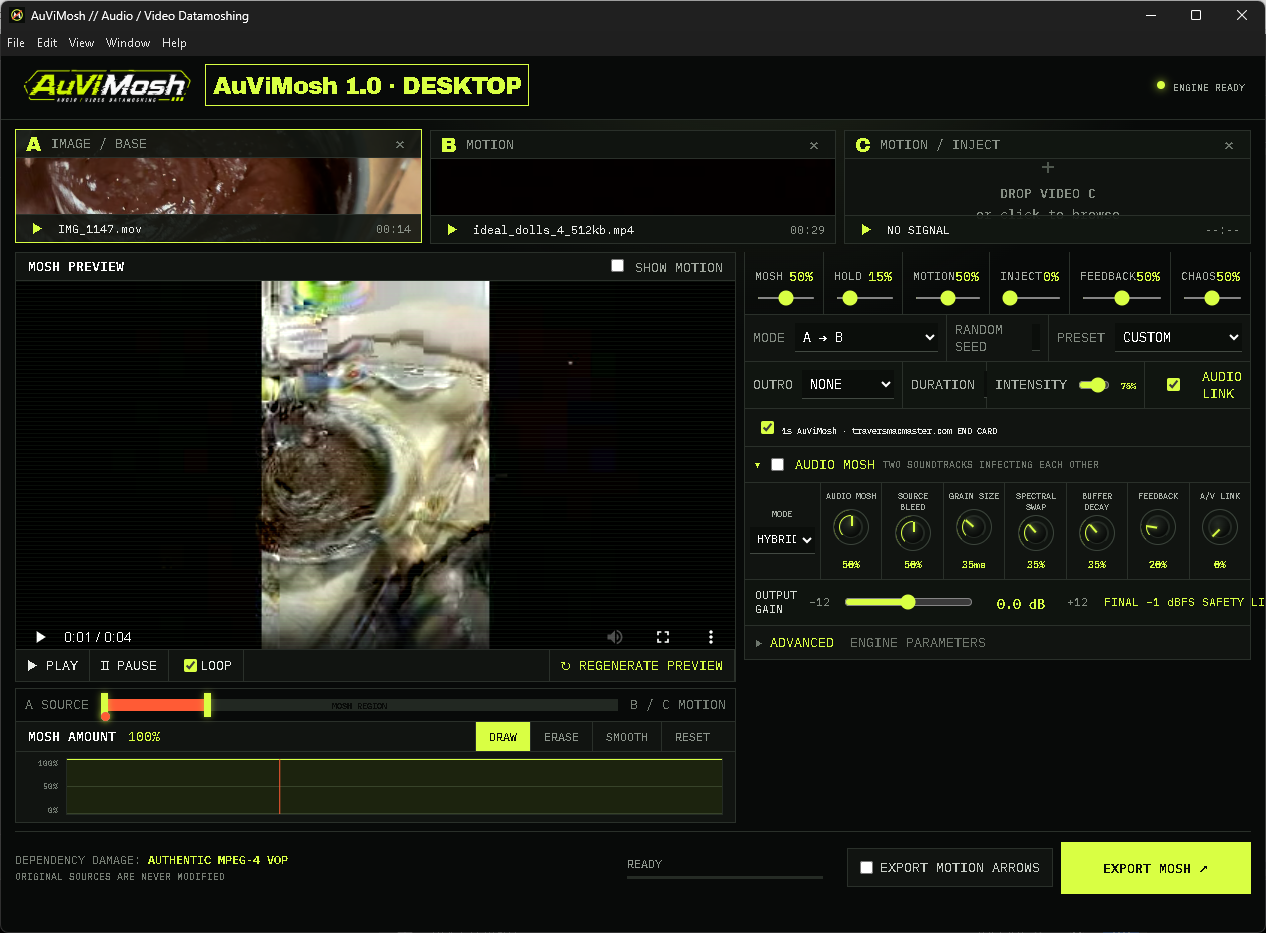
AuViMosh analyzes compressed video structure, moves visual information between sources and exposes controls for injection, feedback, motion and chaos. Audio Mosh controls extend the process into sound.
Inputs and source material
Load video into source A and B, with an optional third source for additional image or motion material.
Save and export
Preview the result and export a processed video with output size, frame rate, audio routing and optional outro controls.
Getting started
How to use AuViMosh
- 01Load your video sources into the A, B and optional C source slots.
- 02Adjust motion transfer, injection and the mosh region; shape the sound with Audio Mosh controls.
- 03Preview the result, choose output settings and export the processed video.
Output examples
From the same studio