A machine by Travers MacMaster
MoiréFieldAnimated Moiré Pattern Generator
MoiréField is an interactive animated moiré pattern generator for creating optical interference, layered geometric patterns and evolving moiré effects directly in the browser.
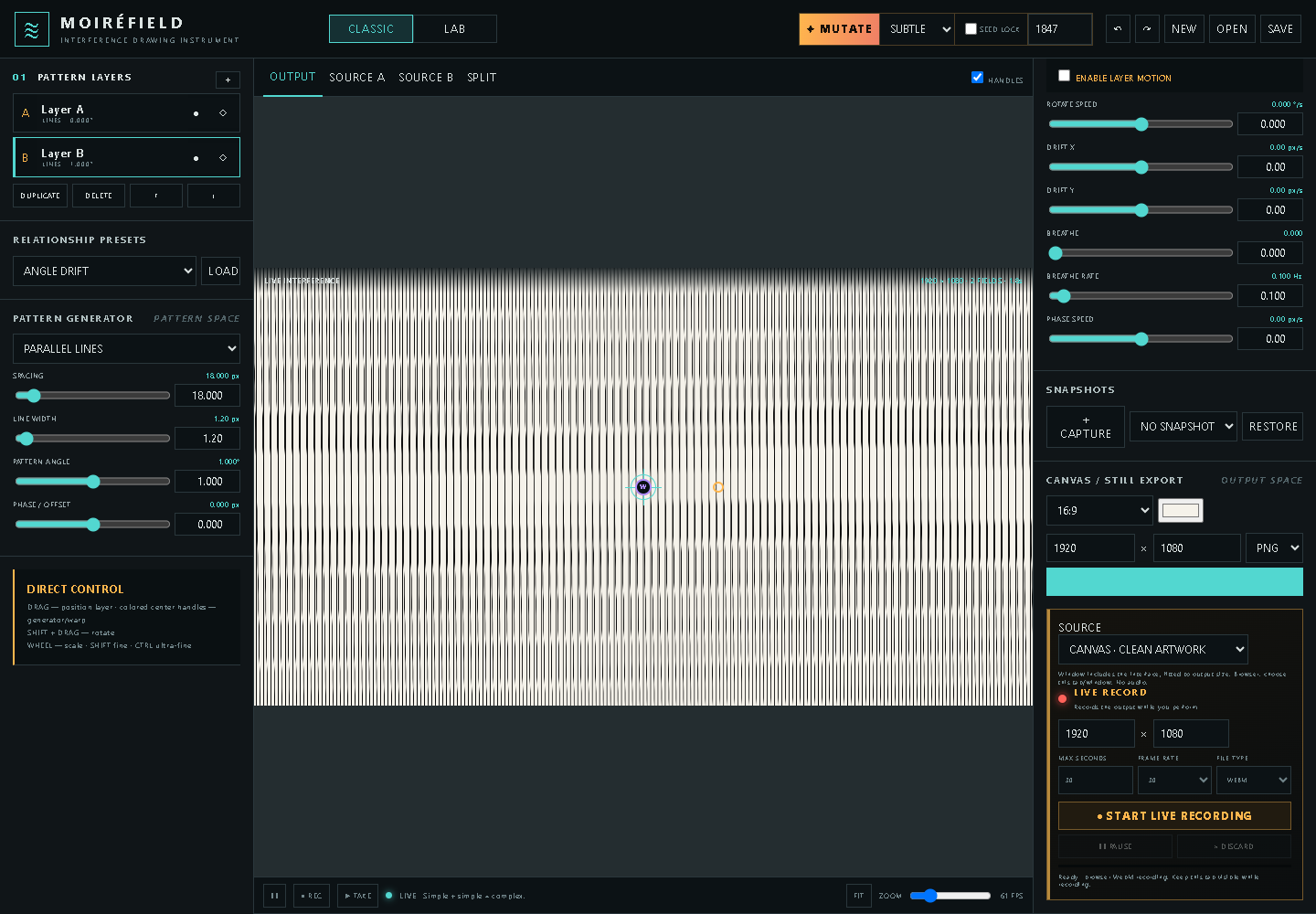
What you can make
Animated Moiré Pattern Generator
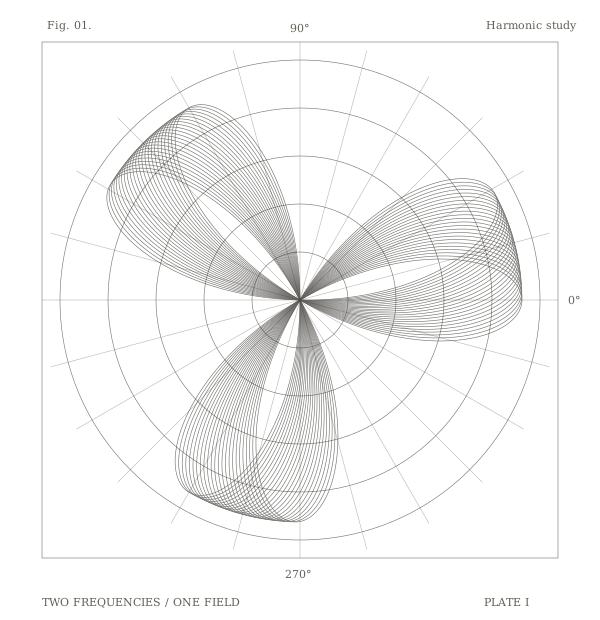
Create still compositions or animated moiré studies from layered lines, grids, rings and waves. The same system can produce restrained optical interference patterns or dense, evolving generative patterns.
How the process works
Two independent pattern layers form the image. Changes to spacing, angle, position and distortion alter the interference between them, while Auto Movement turns those relationships into animated moiré.
Inputs and source material
Start from the built-in geometric pattern generators; no imported media is required.
Save and export
Export a still image or record a WebM animation in the browser, with landscape, square, portrait and custom canvas sizes.
Getting started
How to use MoiréField
- 01Choose two pattern layers and select a pattern for each.
- 02Adjust spacing, angle and position; use Lab warps or Auto Movement to animate their relationship.
- 03Choose a canvas size, including vertical 9:16, then export a still or record WebM in the browser.
MoiréField in motion
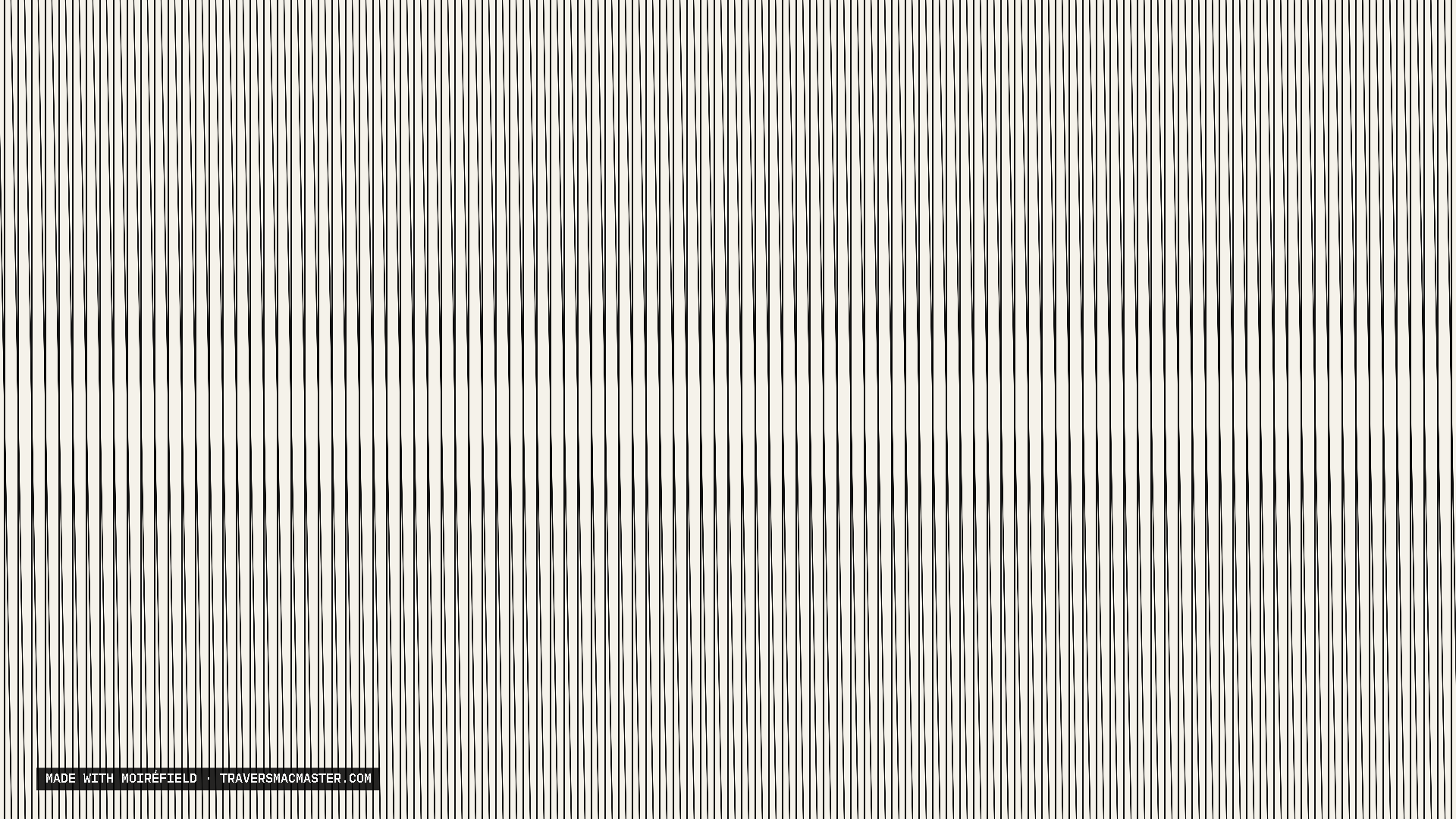
Output examples
From the same studio