A machine by Travers MacMaster
MoshPaintGlitch Art & Experimental Painting Tool
MoshPaint is a Windows glitch art editor and experimental painting tool for painting, distorting, transforming and animating images and video through unconventional digital processes.
Windows alpha preview; browser edition is not yet available.
All machines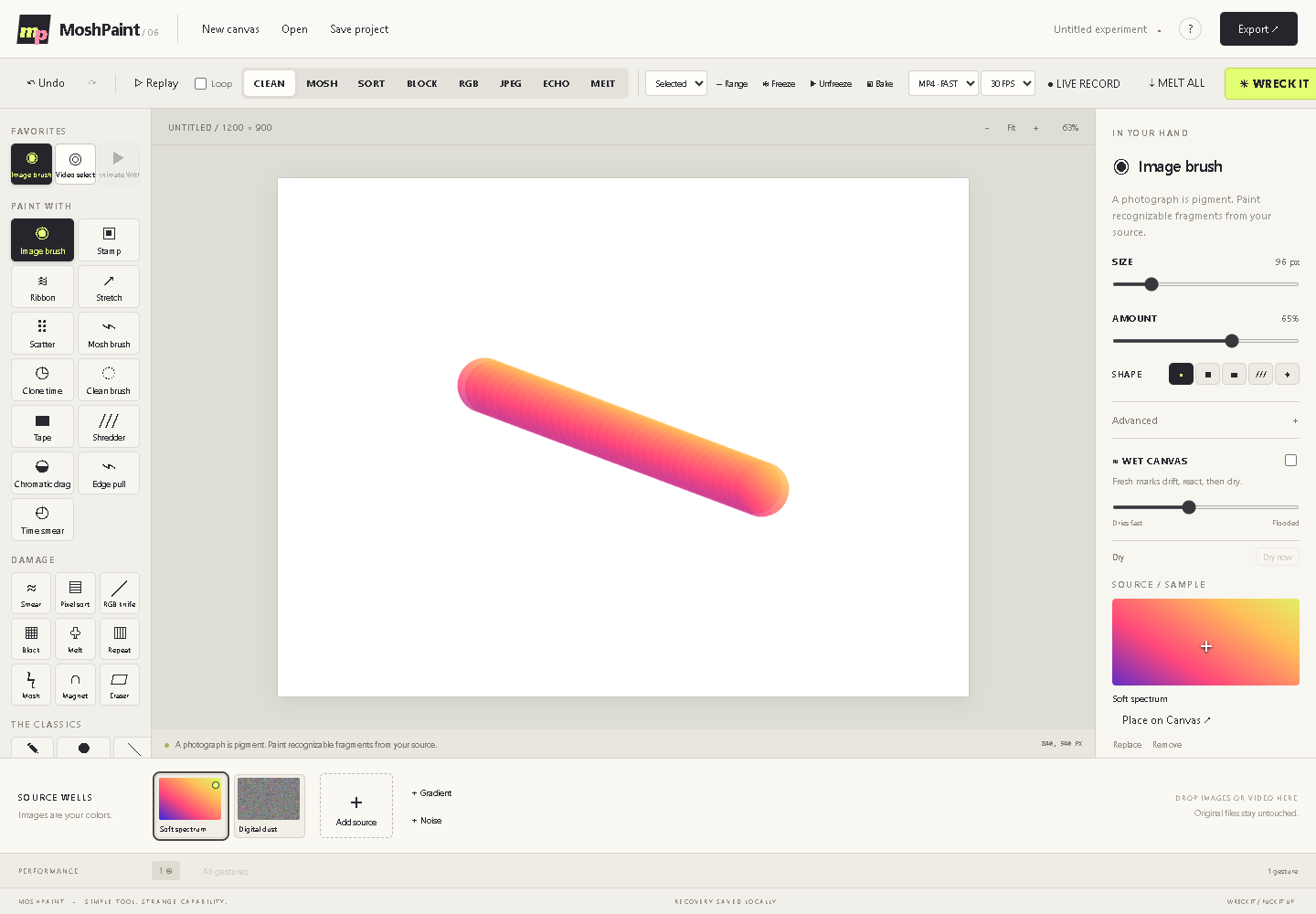
What you can make
Glitch Art & Experimental Painting Tool
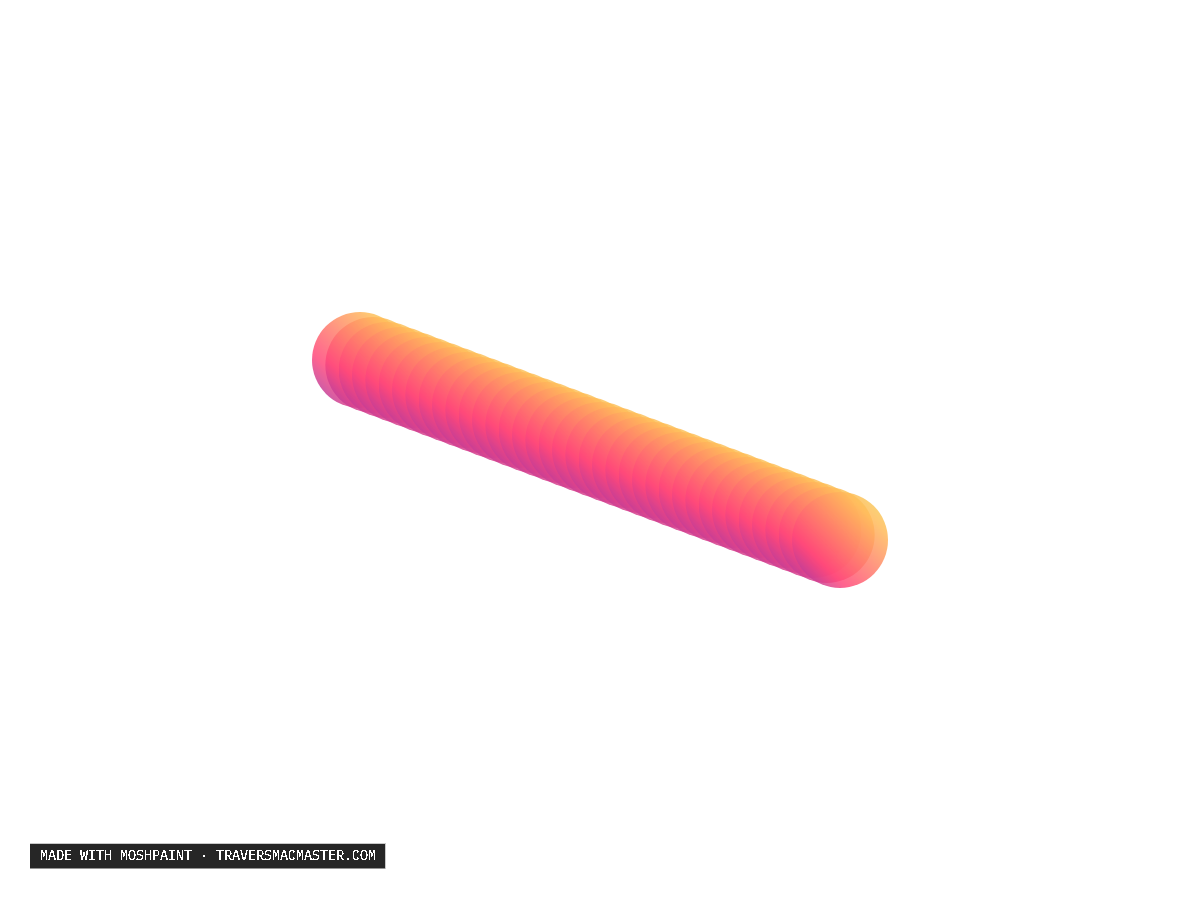
Make layered digital glitch art, still image treatments and animated video-painting performances using imported media as pigment.
How the process works
Image and video sources become brush material. Painting, mosh, damage, wet-canvas and transformation tools reshape that material while living video regions can remain in motion.
Inputs and source material
Import images or video into pigment wells, or begin with generated source material inside the Windows application.
Save and export
Save editable projects; export PNG, JPG or WebP stills and GIF, WebM or MP4 motion from the current MoshPaint alpha.
Getting started
How to use MoshPaint
- 01Open the Windows preview and import an image or video into a pigment well.
- 02Paint with image brushes, create living video regions and use mosh or damage tools to reshape the artwork.
- 03Save the project or export a still or motion file. A browser edition is not yet available.
Output examples
From the same studio